


Hour by Hour 1.1: Smarter import and easy sharing
My clever time planning app Hour by Hour now lets you import a schedule from a quick screenshot, a URL for an event webpage, or just freeform plain text.
This makes it super easy to grab a schedule from wherever it exists outside of the app: an itinerary from an email can easily be copy/pasted either via plain text or from a quick screenshot. Or if you see a schedule on a website, just copy paste the URL in - as shown in the video below:
I love how this works especially well in conjunction with the handoff feature between a Mac and iOS: copy from a website or your email on your Mac, and then paste direct into your iPhone to take with you and follow along.
This was partly inspired by my trip to WWDC in California: as part of the conference (our game TR-49 was nominated for 2 Apple Design Awards!) there was a specific itinerary over the 3 days with specific timing each day, and this was mostly shared in a semi-structured way over email.
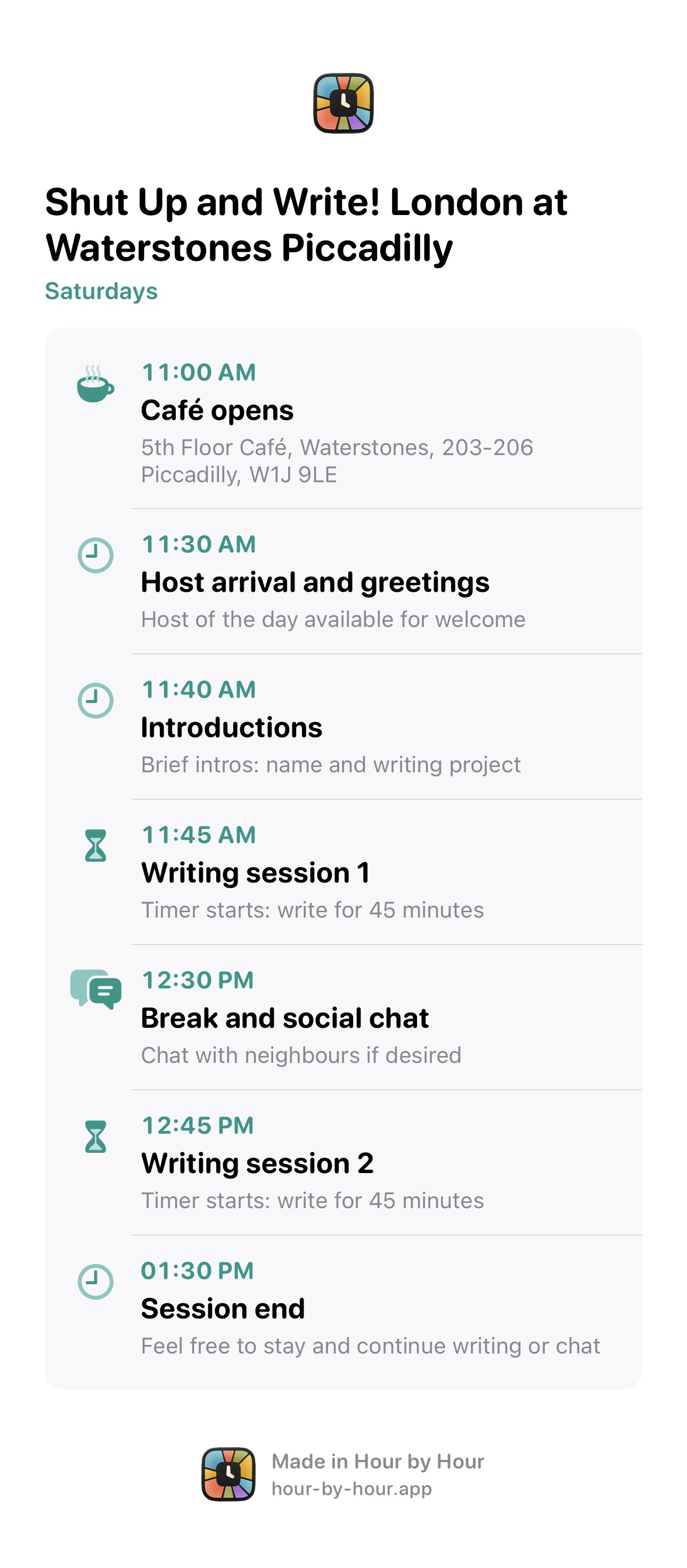
While the app already supported collaboration over iCloud, I heard from a few users that they’d love to be able to share with friends and colleagues who weren’t using the app - via an image or PDF. So that’s in the latest update too! Hour by Hour can export a beautifully rendered document either as an image, which is great for viewing on mobile, or a PDF, which is ideal for printing. Or, you can just export the raw plain text if you prefer.
You can download Hour by Hour from the App Store, or learn more about the app on the official site.